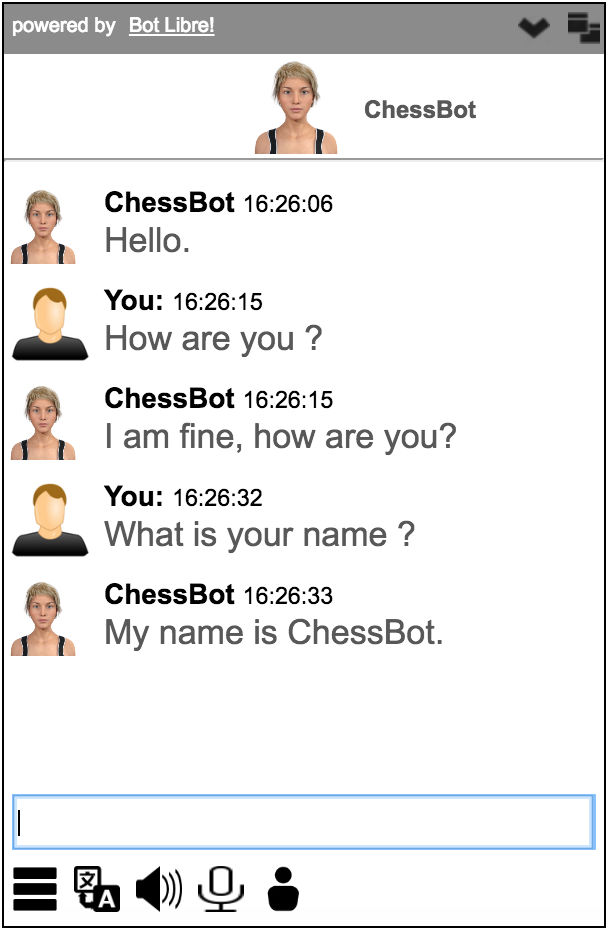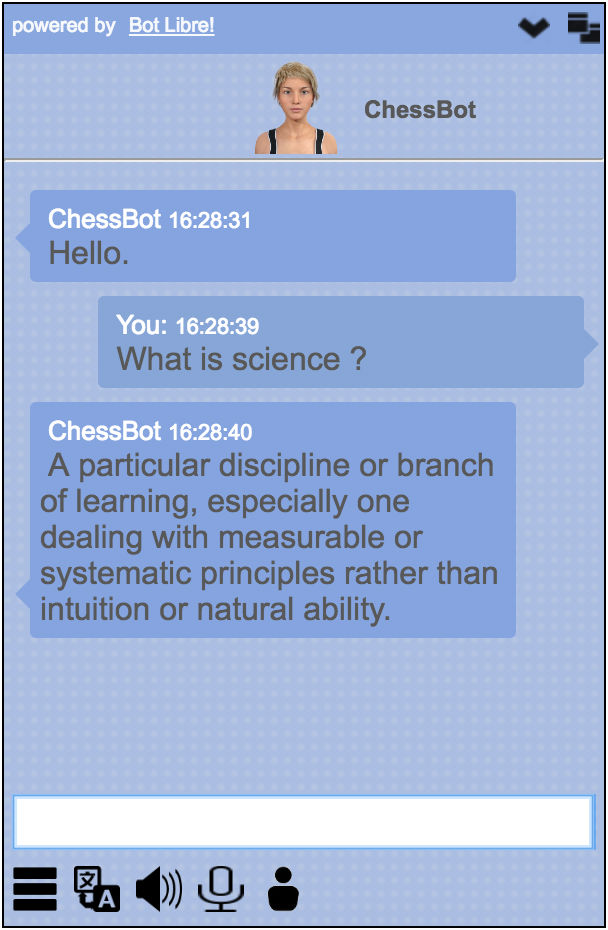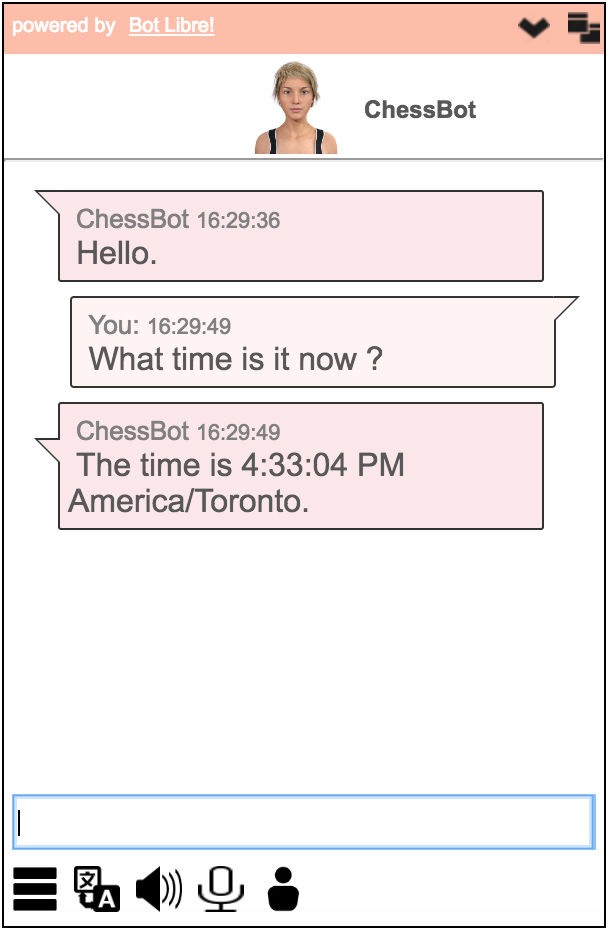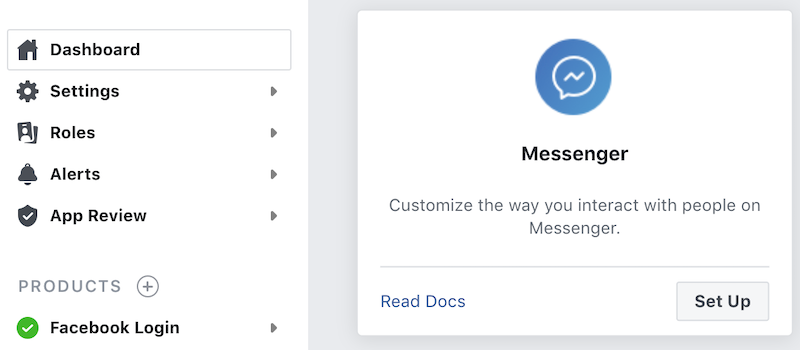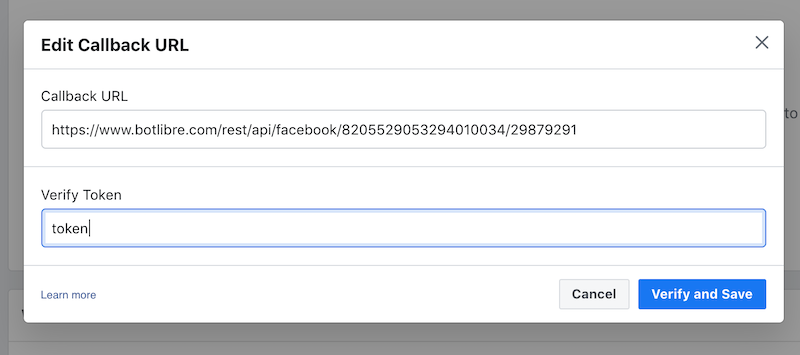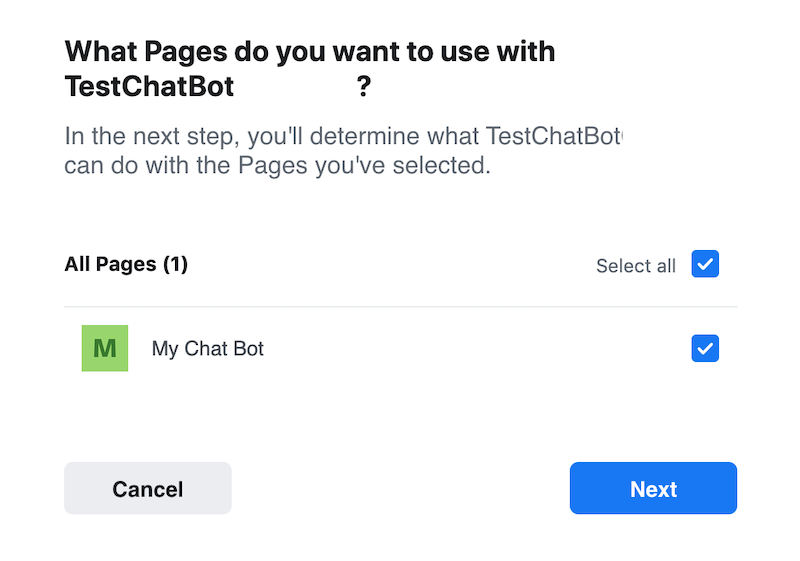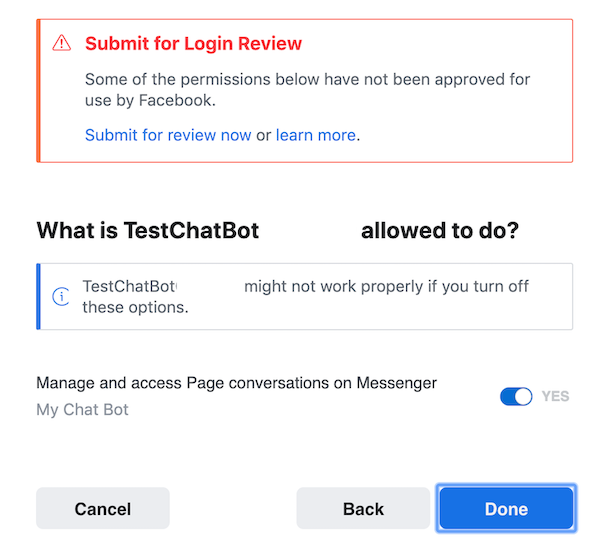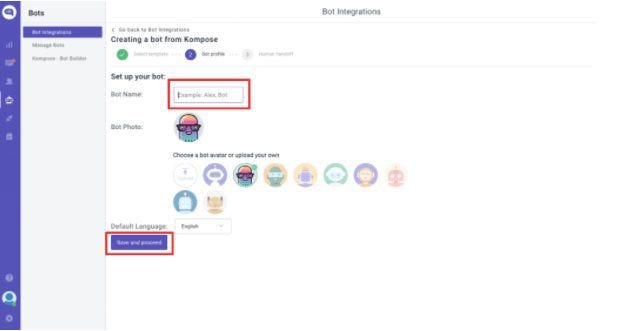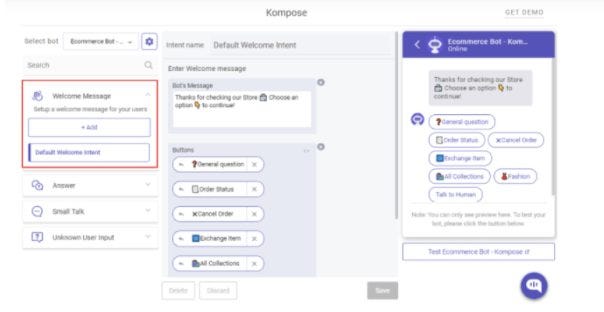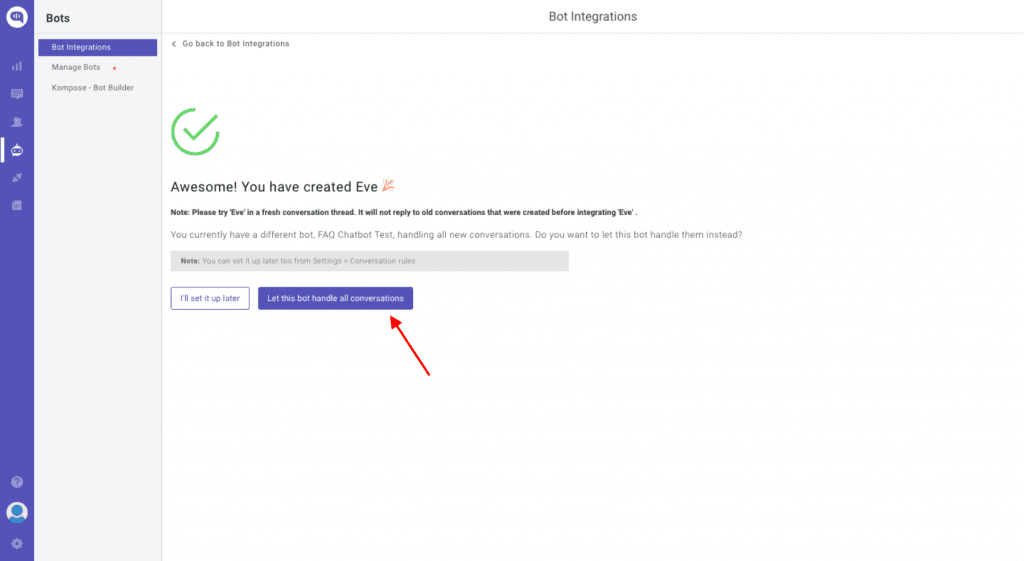
This is my first time posting on reddit, I only use it in a passive manner. So I hope I’m no t breaking any rules or customs haha.
I’m an art student who wants to make a chatbot for a particular art project but I have no idea how or where to start. If somebody could help me in any way possible I would be so grateful.
We train AI to not create sceneries like this one. We train it to help to fight them (source: unsplash.com)
As it incresingly cooperates with integrated rescue system
There are various ideas about what artificial intelligence is capable of and how people can use it for their good. In connection with the term “AI,” people often imagine a variety of abstract IT industries. Some even see AI as a potential threat to the future of humankind. But the opposite is closer to the truth so far since artificial intelligence quickly advances in protecting the safety and health of humans.
AI already keeps people safe in a variety of industries. For example, it cooperates with healthcare professionals helping to determine a patient’s diagnosis and possible treatment. During that, it relies on an enormous amount of data that the human brain wouldn’t be able to process. Artificial intelligence also protects human lives in criminology. It helps during investigations of human trafficking thanks to facial recognition tools, behavior prediction, and the ability to quickly process large clusters of information.
Well-programmed AI can take good care of any living things (source: unsplash.com)
AI will also be used by firefighters in the future, even in the Czech Republic, where a research project is currently underway to create a digital voice assistant for the contact center of the Fire and Rescue Service.
A robot firefighter? Not quite
Czech startup Born Digital, which focuses on digitizing human conversation and develops voice and chat assistants armed with artificial intelligence, is one of the subjects involved in developing new voice technology to assist firefighters when their human operators are overloaded.
“For example, large-scale fires are a major strain on emergency services. We are developing a technology that can receive calls, obtain and evaluate important information and pass it on to the fire brigade,” describes Born Digital director Tomáš Malovec.
As the number of calls increases, the voicebot receives them and records what happened, where it happened, how many people are on the spot, and whether they are in danger or injured. Then he passes the obtained information to the intervening firefighters.
There is no such robot on an emergency line, yet there still is an artificial intelligence (source: unsplash.com)
“Our current voicebot technologies are already at a very high level. But in this case, we have to go one level higher and minimize the error rate because real human lives are at stake. In the future, the solution will not help only during fires, but also during cases of various natural disasters,” says one of the Born Digital project leader Ondřej Ťupa.
During the process of creation, artificial intelligence has many things to learn. The solution has to be able to classify the object of fire, ask meaningful additional questions and respond adequately to the situation.
During the process of creation, artificial intelligence has many things to learn. The solution has to be able to classify the object of fire, ask meaningful additional questions and respond adequately to the situation. “A forest fire, a car explosion after an accident, or flames spreading through the apartment after a mishap in the kitchen are different situations and require different scenarios and additional questions,” explains Born Digital linguists Klára Vostřelová.
The Voice assistant already recognizes official Czech Republic addresses from the speech. The great advantage of artificial intelligence is its speed, with which it manages to check if the specified address exists. For example, if a caller from Brno reports a fire in Barunčina Street, the system quickly recognizes that there is no such street in the city, and asks another question regarding the address. On the contrary, for a caller from Prague, where Barunčina Street exists, the voicebot only makes sure with a confirmation question.
The speed of data verification is not the only advantage of involving artificial intelligence in the work of emergency operators. In addition to being able to handle several calls at the same time, the voicebot continuously assigns reports of the same event to each other and reduces duplicates. He is, therefore, able to constantly refine and update information for firefighters and other rescue services.
In the future, AI will be a common part of firefighters equipment (source: unsplash.com)
The Czech digital voice assistant is unique, but there are more AI solutions to assist firefighters around the globe. In the USA, under the supervision of NASA, the Digital Assistant AUDREY (The Assistant for Understanding Data through Reasoning, Extraction, and sYnthesis) is also gaining shape. His task will be to help those firefighters who are already in action at the scene of the fire.
In the future, AUDREY should be able to obtain data from the immediate vicinity of intervening firefighters, compare them from its extensive database of knowledge about fires and then advise firefighters on how to proceed with firefighting. AUDREY learns to work with data about temperature, the presence of gases, the flammability of various materials, and many other types of information. Together with an assistant from the Czech Republic, these two technologies equipped with artificial intelligence could be an unbeatable pair that will save a significant number of lives daily.
Let’s face it: tracking time sucks. It’s boring, demanding, and something we don’t feel as productive as the work itself.
We treat it like something we can skip or do poorly, right? Well, it’s quite the contrary. Especially for professional services and agencies, time is money. Literally.

In 2015, a study from AffinityLive estimated that the U.S. economy is losing around $7.4 billion a day due to employees bad time tracking.
Over the last few years, a lot of tools and apps have been released to ease this task and enable more quality tracking: Harvest, Toggl, Clockify, to name a few. They all aim there.
So that’s it, right? Nope. The majority of us still hate it.
Our own struggle
We were having similar issues in xtream, the startup I co-founded. Ok, we weren’t losing billions a day 🙂. Yet the poor quality of our timesheets impeded us from trusting the value of some mission critical quantitative metrics.
How can you compare projects profitability when you have only a rough idea of the time spent on them? How can you bill customers accurately, without risking underbilling because you didn’t account for some extra work you did?
It wasn’t a lack of tracking: we were all using Clockify apps, filling timesheets with worked hours on projects and tasks.
It was a lack of accuracy: we were filling our timesheets only when due (like end of month reporting) or once a week top. So either we spent our entire Friday thinking about what the hell we had done over the past few days, or our timesheet was pretty much a guess.
The less frequently you track it, the more 💩 it becomes!
Point taken: you simply cannot remember all that stuff for much longer than a day.
We know, we know. You can use timers, yay! No, we don’t want to use timers. You forget to start them, you forget to stop them, you get a bunch of meaningless entries in your sheet… bleah 🤮
I mean, if you’re happy with timers or with manually inserting entries in your sheet once every few weeks in a frustrating guessing game, good for you.
Reacting is easier than acting: we had nothing to assist us and to remind us of our daily duty. When we tried setting up just a simple notification broadcasted to everyone, our accuracy improved substantially.
Boring tasks cannot steal from your best time: it was not only a matter of effort (let’s be honest, it really isn’t that hard to press a couple of buttons), but of platform. Productivity apps are better used on your laptop, or at least with a working mindset. Even when you use them on your phone… it just feels like work — you know what I mean?
That’s when we started experimenting with a chatbot. Something easy and fun to play with, proactively reminding you to be diligent in your timesheet, and most importantly available on a platform where we all are at any time, where we feel relaxed and comfy. Which for us was Telegram.
This was 2020. Truth be told, pandemic had left us with quite a few extra hours with nothing to do. Which is not ideal for an agency, but for R&D projects is gold material: we were able to dig in deeper than we would have normally. What came out of the cylinder was a chatbot powered by AI technologies for NLP, like Microsoft LUIS, developed with Microsoft Bot Framework and released on our Azure cloud.
No chatbot was harmed in the making of this article
It’s quite mouthful, but it truly isn’t much. In a couple of weeks we had a running chatbot and we started using it.
We kept a KISS approach: keep it simple, stupid! We didn’t develop any of the time tracking stuff and none of the features of any of those products. We just took our Clockify workspace and we integrated it, via API, with our chatbot.
One year later, we look back and we feel like we solved time tracking. No, not for everyone and not every time: late and inaccurate timesheets still occur, and we try our best to avoid them. But 76% of our time entries are filled via chatbot, which means that are recorded the same day they are worked. Remember the chart above? This translates into substantial improvement in accuracy.
That’s why we chose to make it publicly available. If it helped us, it could help someone else. Everyone with a Clockify account can start using our chatbot for free right away.
As of now we support Telegramand Teams. Just click on the links and you should be able to start chatting in a matter of seconds.
Slack may follow easily, if we see there’s a need to. If you’d like it to be on other platforms as well, just let us know in the comment section down below 🙃.
Similarly, we don’t need to stop at Clockify. If you think you’d need this as we do, but your favourite tool is different, let us know. It might be easy to integrate.
How does it look like?
No, it doesn’t work like that. Ok, sometimes it does.
I won’t bore you with the technicalities of how it’s done. Just know that if you want to have a look at its internals, you can check out the source code yourself, there’s no black magic: we wanted it to be completely transparent in the way it is written.
I do want to show you how it looks though. Here I am, at 5.30 in the afternoon, finishing up this article. What happens?
The bot reminds me that I’m approaching end of day, and therefore I realistically know what I did today. If I ignore it, which I do a lot, it reminds me once every hour until I’ve done my duty or shut it (pure evil).
I can fill my timesheet in natural language: it may not seem like much, but it means I can go quick and drop partial words and misspellings, without any hard feeling. Note: I can only fill my hours for the current day, so that it encourages entry accuracy by design.
It asks for a task, but because it knows I use them: for projects where I never use tasks, where I’m ok with project-level, it doesn’t bother asking.
And that’s it guys. That’s how we solved our problem with time tracking. Since then we found ourselves diligently filling our timesheets much more frequently and in a variety of situations that don’t relate to work: on the subway, while watching our night Netflix, or when we take a ☕️ before bed.
Hope it can help you too!
Wrapping up
You can start using our bot as you like, it’s free of charge 👌 If you’re curious or skeptical about its inner parts, don’t hesitate having a look at its codebase: it’s open source and you can drop us an issue for any bug or feature you may want. Write us at oss@xtreamers.io if you don’t know what GitHub is but you still have questions for us.
If you want to know more about who is behind this bot madness, check out our company website. We are a small startup, and we love this stuff.
If you have better ideas on how to solve the time tracking problem, or you think our solution sucks, let us know in the comments.
Don’t be too harsh though. We’re engineers, but we have feelings too.
It seems like there’s few resources about it and I found a few but it uses Linux which I’m not familiar with since I use Windows. I also found articles relating to docker.
Any other help or resources would be greatly appreciated!
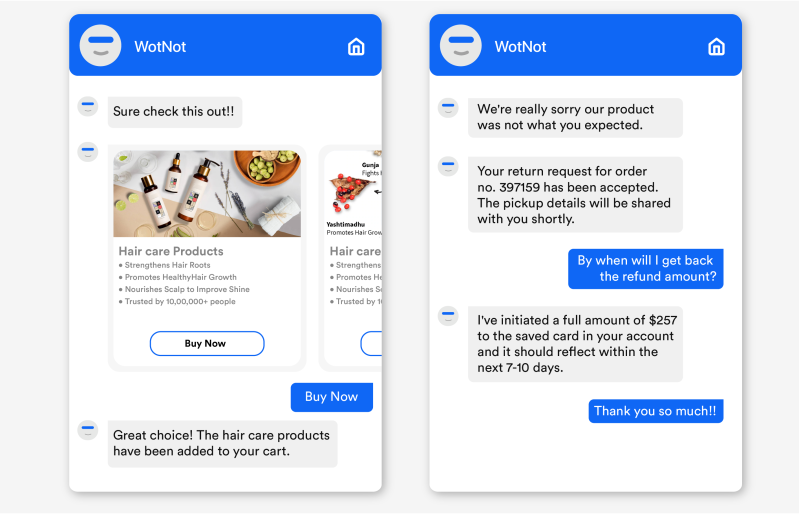
Have you made any recent flight bookings from any leading travel site? If yes, after booking, you might have received a confirmation and ticket to your WhatsApp from the area along with the number and details which a chat application bot is doing!
Interesting, isn’t it? This is how businesses simplify their workflows using chatbots without human intervention at every step of the process.
Does your business rely mainly on communication and collaboration?
How about using the messaging platforms or chatbots to accelerate the workflows?
The messaging and collaboration platforms have become one of the key accelerators for productivity within the teams. If most of the activities in your business are collaborative, you need simple apps built with a top messaging framework. Here are the top 5 best chatbots that boost workflow management and process automation to the next level.
1. Conversational chatbots
The conversational AI bots can mimic human conversations almost accurately and engage with people without pre-scripted responses. By using Artificial intelligence, processing, and technology, these Chatbots can make personalized and contextual conversations.
Example
With Quickwork Conversations, you can build multi-channel communication in mind and connect with any messaging platform like a pro. It manages the discussions for the businesses and helps in making a better customer journey.
By using the Chatbots in the customer service department of your business, the bots can help you with a wide array of tasks. From self-service to answering a set of questions, they can answer it right without the need for human intervention.
Some examples of customer service chatbots
Welcome Bots: Not all customers are comfortable initiating the conversation so that a proactive bot can set you apart.
Resolution Bots: this kind of bot can resolve over 80% of the customer queries quick and fast
3. E-commerce bots
Online Ecommerce is like an ocean where you can find a sea of pages, crosslinks, and more. The Ecommerce Chatbots streamlines the procs for customers and provides a great shopping experience. Here are some types of Chatbots that can employ Ecommerce service bots.
Examples
Sales bots — The bots that automate the sales and the conversations related to the sales processes like providing price lists and executing the sales. It helps to boost your revenue and improve the sales strategy and approach.
Billing bots –The billing process is tedious, and several monotonous tasks are involved in the billing process, which is exhausting to the sales teams. A billing bot can replace your team in this process.
4. Lead generation bots
The lead generation tools are not new, as they have been employed for years by the marketing people. Now, even the Chatbots are capturing and nurturing the leads. They can be more proactive, trigger based on the conversations.
Examples
Conversation bots — The Chatbots establish the conversations in the most precise manner and helps in capturing and communicating with the leads.
5. Survey bots
Customers are not interested in filling the surveys and answering all the questions online. Deploying Chatbots to capture your customer data and surveys from the people is the intelligent approach today, and it nestles the questions without a conversation.
Feedback bots — If a customer purchases some goods from your website, a feedback survey can help you improve the customer service and experience. These bots can make a survey process less tedious compared to manual ones. The bots interact with the customers in real-time and help businesses seamlessly capture the feedback.
Summing it up
The above top five chatbots are the best type of bots that can improve your operational efficiency, workflow management and helps in automating your complex tasks.
If you want to build chatbot journeys and integrate multiple applications using the best workflow automation platform, Quickwork is the best choice. Start building your first automation journey with Quickwork today!
In our previous article, we talked about what universal design for learning (UDL) is and explained its key principles.
In this article, we’ll tell you why lecturers should start using universal design for learning ASAP. If you’re already interested in incorporating UDL into your classroom, we also explain how you can do that.
Hello, I have been trying to implement a chatbot in Microsoft Azure. My first step is the NLU module where there will be intent classification. I wanted to know if it’s possible to do this using BERT? Thank you.
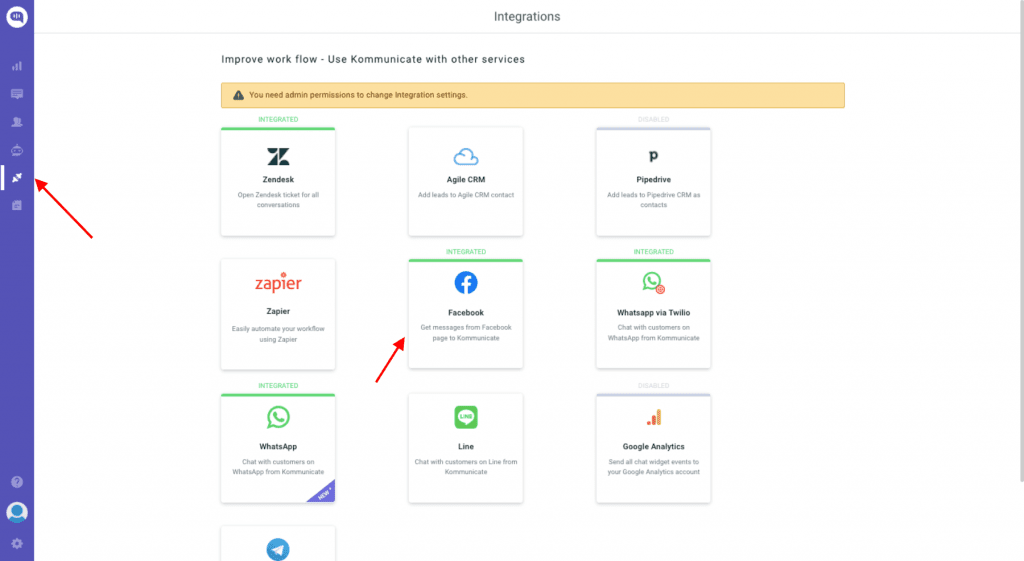
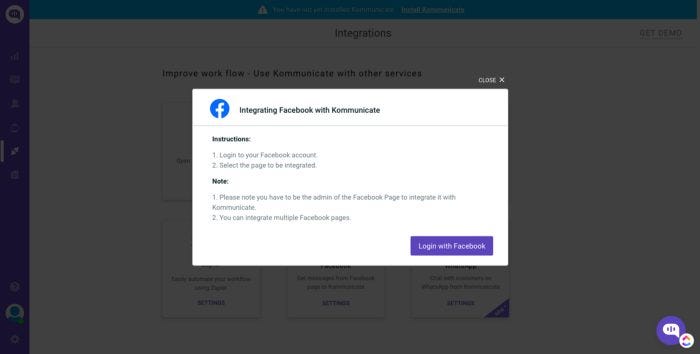
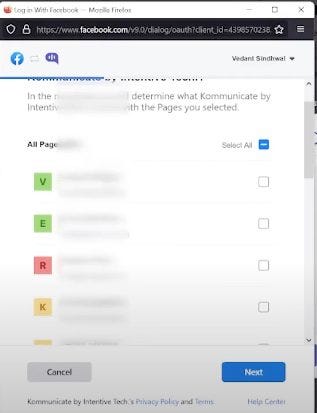
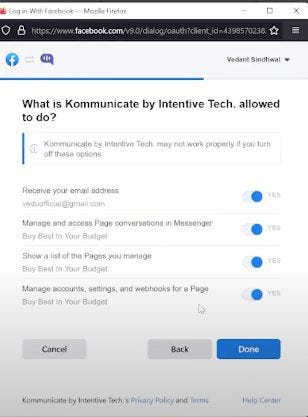
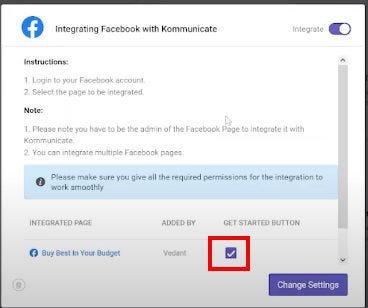
Hello, I was wondering if anyone could help me with this. I need to create a free prototype of a chatbot that reads posts from a facebook page and sends it to whatsapp contacts. How do I proceed ahead with this? Can someone help with a resource? Thanks so much in advance