We live in an era where artificial intelligence (AI) has taken over every aspect of our being. And customer experience (CX) is not alien to it.
As the world embraces new-age customer experiences (CX) with open hands, warranting the delivery of hyper-personalized customer engagement to a more informed, connected, and empowered customer, organizations are left to deal with several questions and dilemmas.
After all, endless customer conversations are happening online on various social channels — Facebook, Instagram, WhatsApp, Twitter — it’s challenging to cover every digital touchpoint and use the enormous amount of customer data it generates to fathom “what customers want.”
That’s where conversational commerce comes to the rescue. Powered by AI, conversational commerce solutions like chatbots, voice bots, and other digital assistants have enabled companies to render human-like customer interactions at scale. Conversational commerce apps on various social channels leverage the unending amount of customer data to analyze customer behavior, predict their needs to deliver proactive engagement, and provide more personalized support.
Let’s explore more.
Conversational Commerce In Various Social Channels — What Can It Do For Your Business?
“Human interaction matters now — 82% of U.S. and 74% of non-U.S. consumers want more of it in the future. Regardless, the technology supporting human interaction must be seamless and unobtrusive across channels,” stated PWC’s latest report, Experience is everything: Here’s how to get it right.
Conversational commerce solutions in the form of Facebook, Instagram, and WhatsApp chatbots are making this a reality.
Conversational chat commerce, powered by advanced technologies like machine learning, artificial intelligence, and natural language processing, is the latest paradigm in the customer experience world that draws in huge investments from the C-suite leaders. Chat and voice bots available on various social channels are now being used to solve a host of simple and complex customer queries 24X7, understand customer emotions, store information about purchase history, discover patterns in their behavior, and act accordingly to achieve maximum customer satisfaction.
Modern customers live online. They may be awake at two at night, browsing for new products or even reaching out to customer support. And they may do so from their desired social channel, be it Messenger, WhatsApp, or Instagram. Moreover, they may want to switch channels amidst an ongoing support case, i.e., change from WhatsApp to Facebook. Here conversational commerce solutions take charge. Not only do they provide instant, round-the-clock customer support, but e-commerce bots can retain the original context of the conversation to allow seamless switching without the customer being asked to start over.
So, what are the use cases of conversational commerce? How can chat and voice bots present on various social channels delight customers and build value at each stage of the sales funnel?
Let’s find out.
Curating A Personalized Sales Journey Through Conversational Commerce
Below, we present to you the use cases of conversational commerce on various social channels that can help organizations tailor sales journeys and win the life-long loyalty of their customers.
- Amplify reach to new customer segments by pushing alerts about new products, collecting customer preferences and behavior data, answering initial queries, and delivering personalized recommendations and tips.
- Acquire customers by curating creative marketing campaigns on the most popular social channels, assisting customers with website navigation, payment, checkout, and product use, and tailoring product suggestions according to purchase history and past behavior.
- Is this shirt available in a different color? When will I receive my package? Customers can get their queries addressed simply by approaching the brand’s chatbot on the social channel of their liking. In this way, not only customer support becomes more accessible, but brands also get hold of valuable information that can help personalize CX.
- As and when the customer’s desired product becomes available, e-commerce bots can push notifications and alerts through various social channels and provide a CTA to “Buy Now.” It can also suggest alternative and supplementary products as the case may demand.
- Collect customer feedback through Instagram and Facebook surveys on a test batch of a new product.
- Curate loyalty programs and send personalized discount and reward coupons to encourage customers to share product ratings and feedback and develop long-lasting relationships.
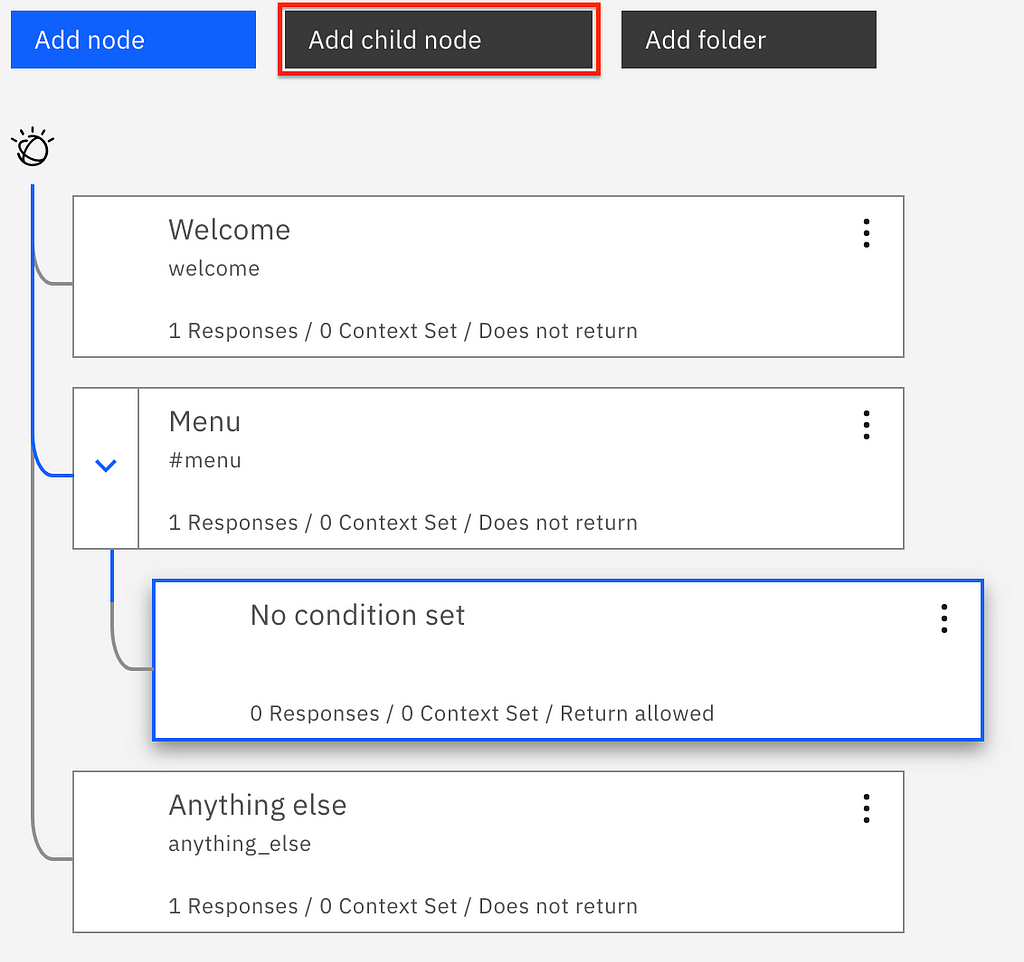
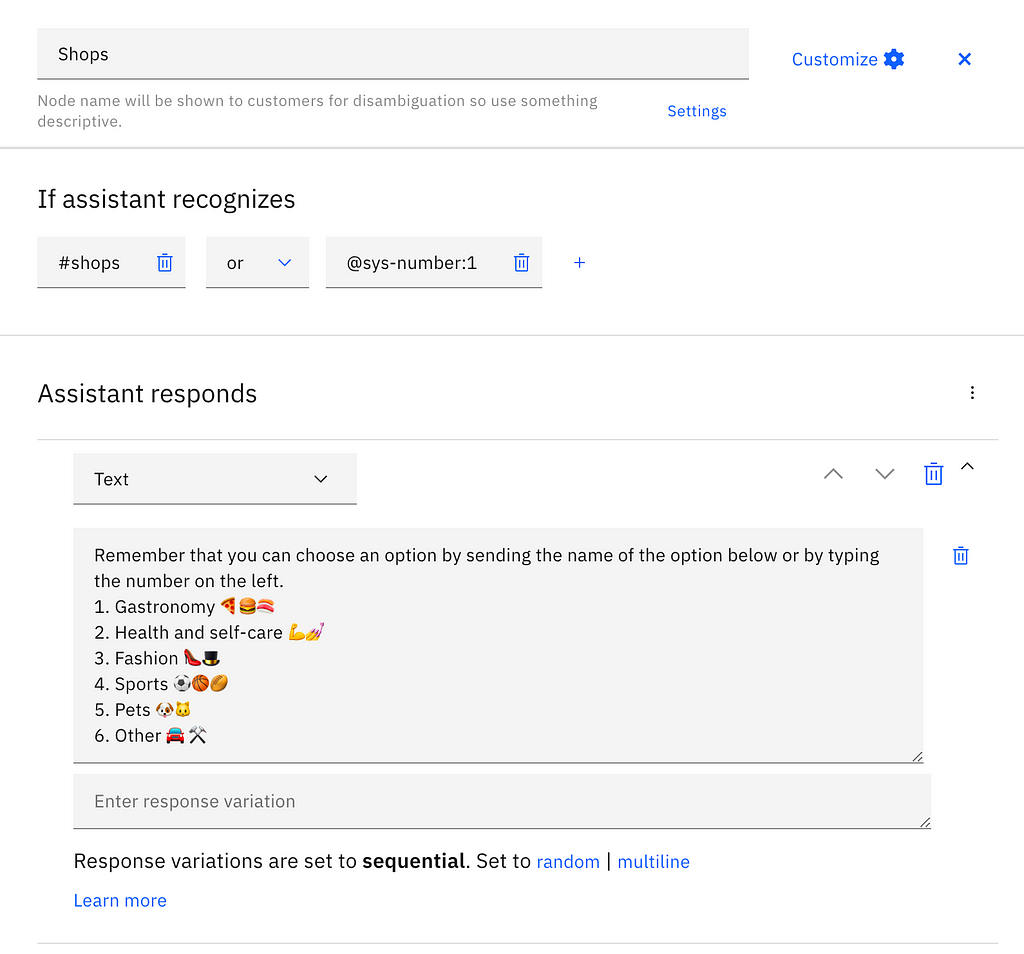
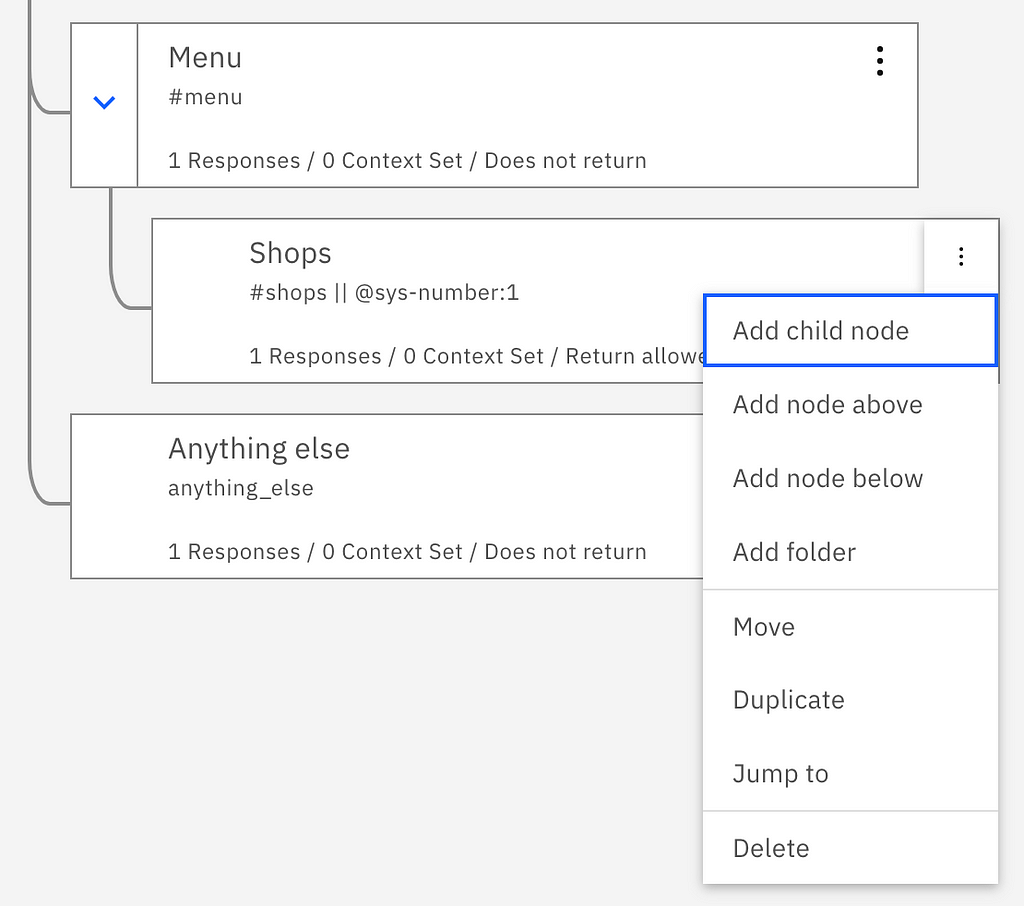
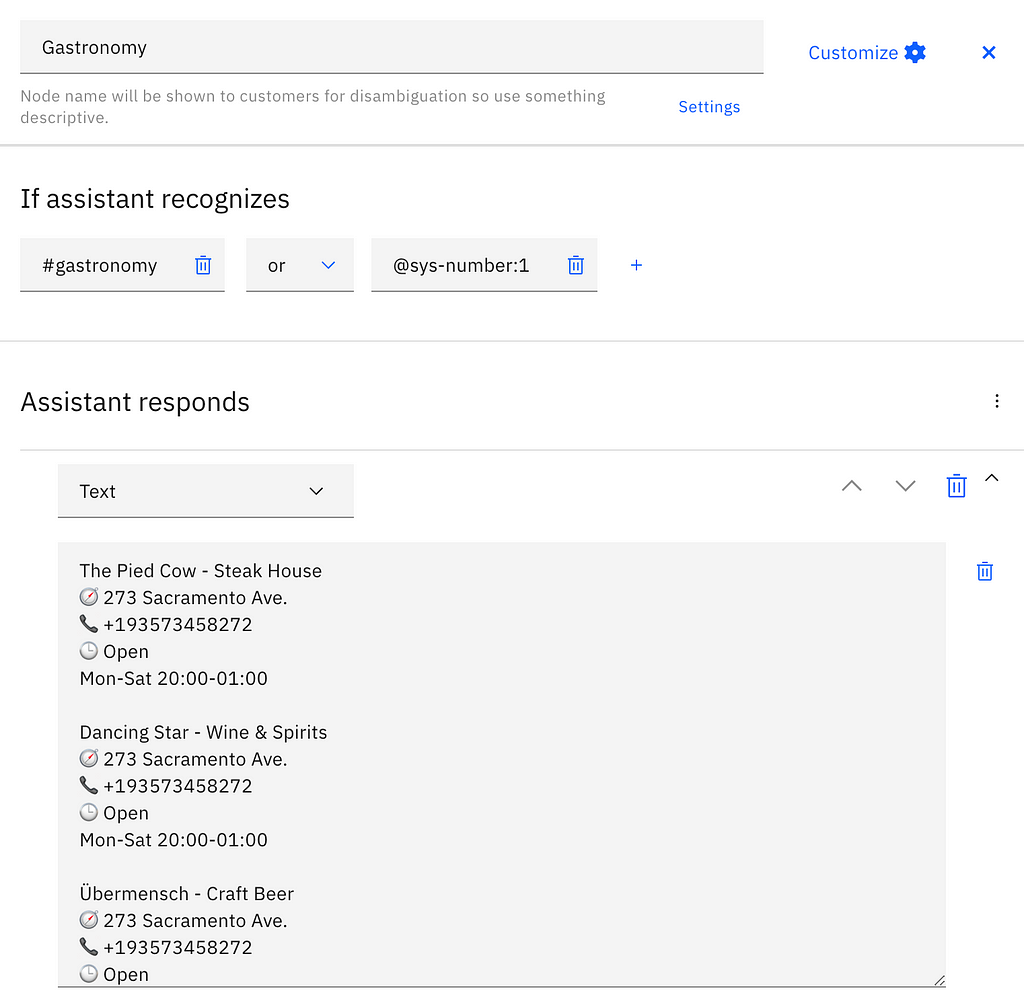
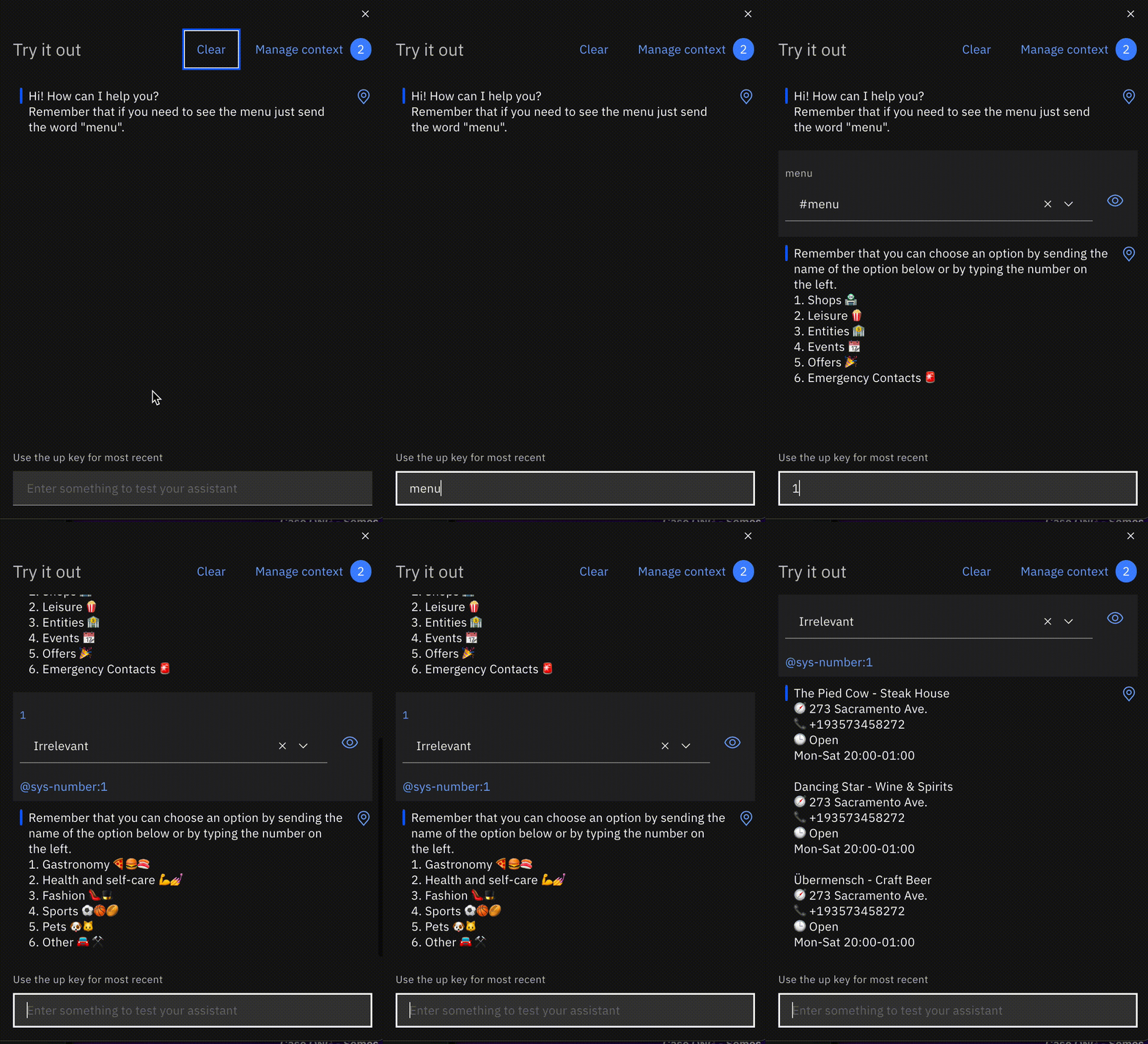
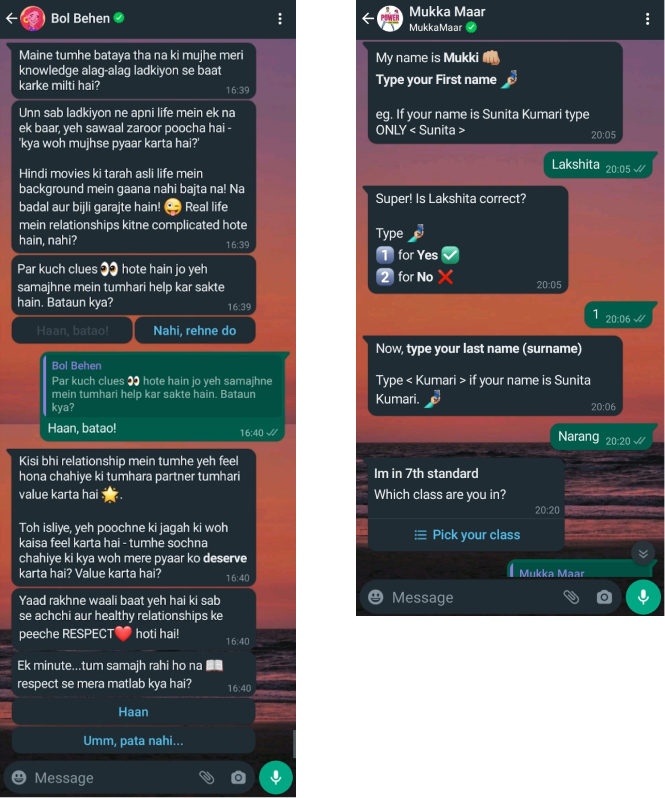
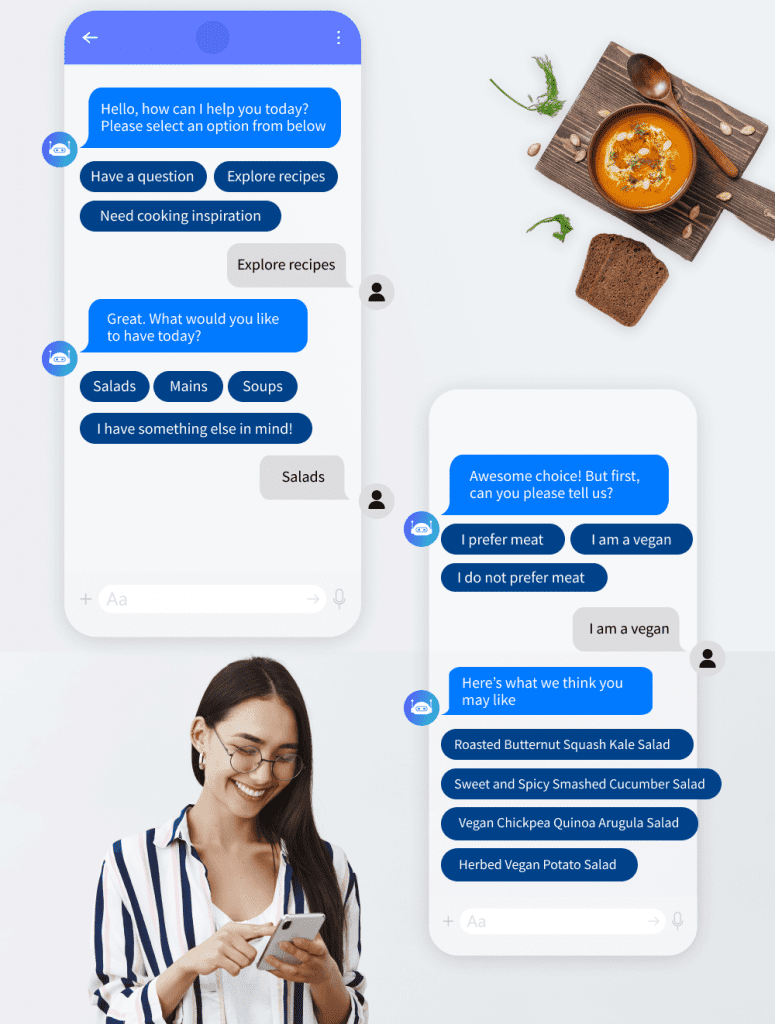
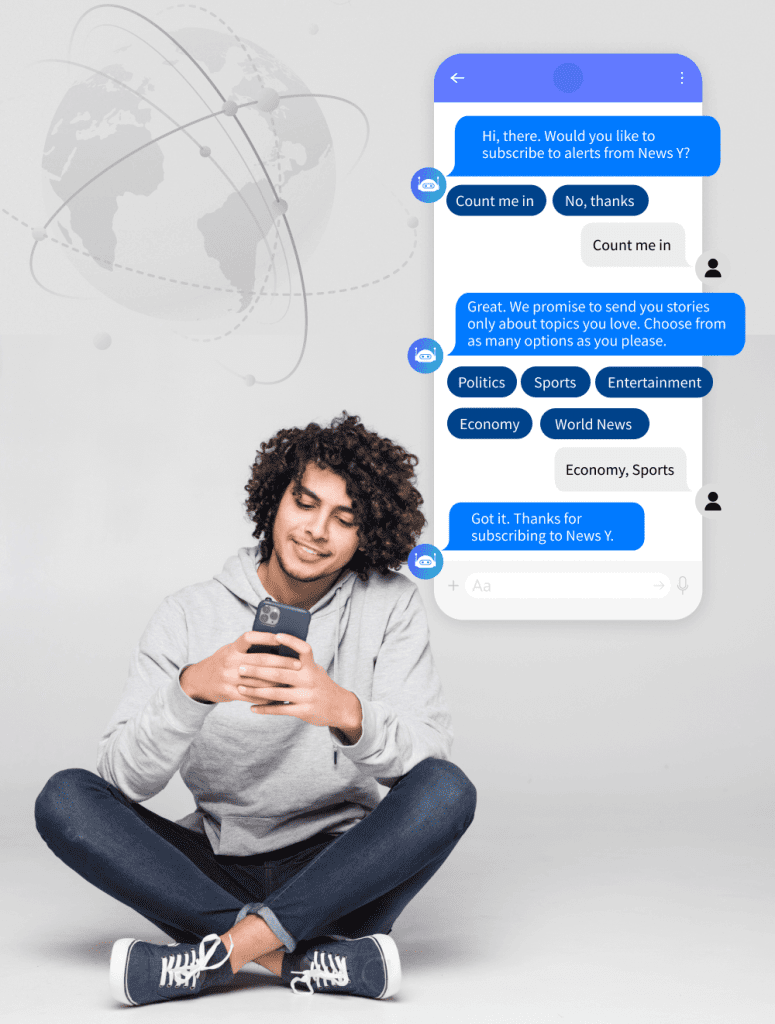
Take A Look At The Type Of Conversations A Bot Can Have With Your Customers.
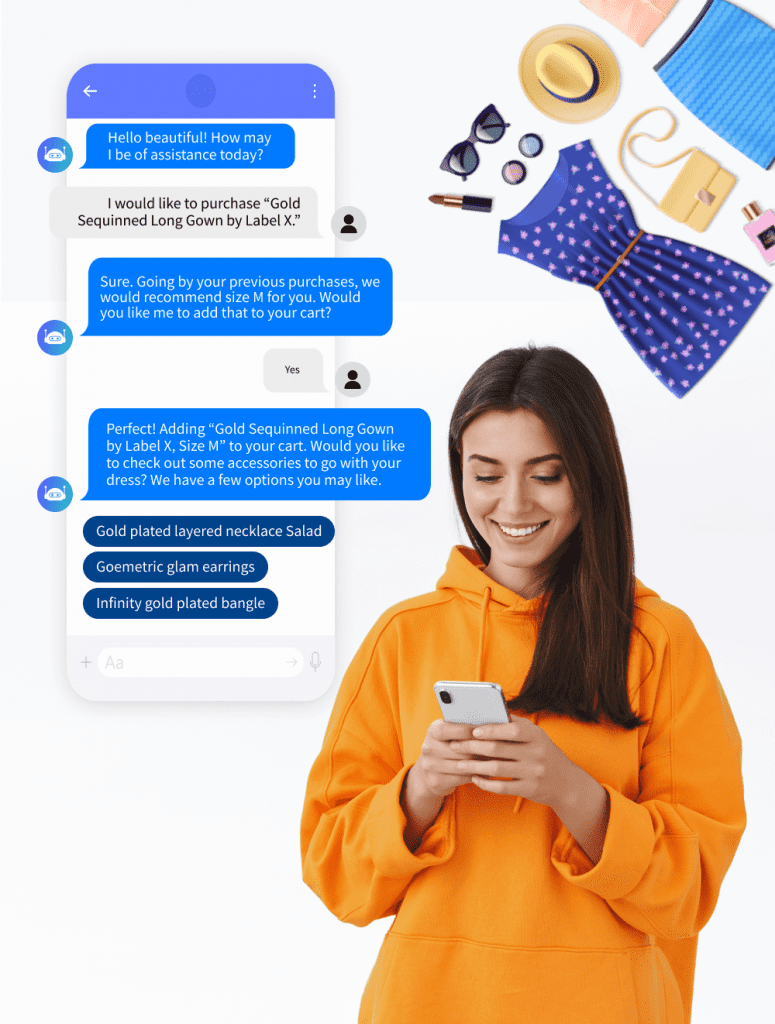
A Sneak Peek Into A Few Conversational Commerce Solutions On Various Social Channels
At Acuvate, we help clients build and deploy bots on various social channels that consistently deliver exceptional CX with minimum friction or hassle with our enterprise bot-building platform called BotCore.
- BotCore is a Microsoft Preferred Co-Sell-ready solution that leverages Microsoft’s best AI, machine learning (ML), and natural language processing (NLP) technologies.
- Our conversational commerce solutions are deployable on popular social channels (WhatsApp, Facebook, Instagram, etc.) and support multiple languages, including German, French, Italian, English, etc.
Here Are A Few Examples Of How Brands Are Using Conversational Commerce In Various Social Channels To Engage, Inform, And Support Their Customers.
1. POND’s SAL chatbot for Facebook Messenger
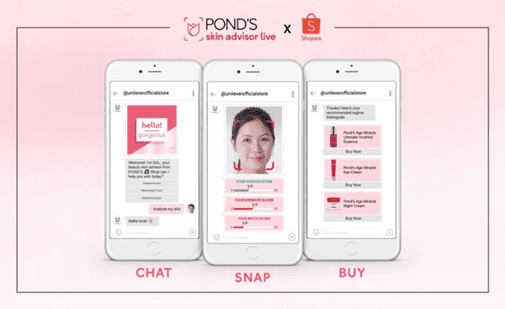
An FB Messenger bot, also available on webchat in different countries, POND’s SAL can be accessed through Unilever’s flagship store on Shopee. Using technologies like AI and augmented reality (AR), SAL interacts three-dimensionally with customers to deliver personalized and more immersive shopping experiences.
When a user uploads a selfie, SAL works on identifying critical skincare concerns across four significant areas, namely, pimples, wrinkles, spots, and uneven skin tone.
The bot also sends relevant skincare articles and beauty tips to keep the users engaged.
Having completed the skin analysis, SAL then recommends suitable products from POND’s according to the customer’s skin condition.
2. pRANA’s chatbot for Facebook Messenger
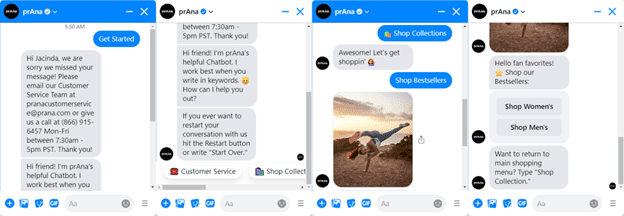
Sustainable clothing company prAna’s chatbot for Facebook Messenger uses a casual, friendly tone to help customers shop online or get the information they need.
The bot helps shoppers navigate through the online store by asking them to choose between options like “Shop Women’s, “Shop Men’s, or “Shop Best Sellers.” Moreover, the bot’s intuitive conversational AI interface gives the option to type a message or easily navigate to the previous menu.
3. BMW’s “Follow Now” chatbot on WhatsApp
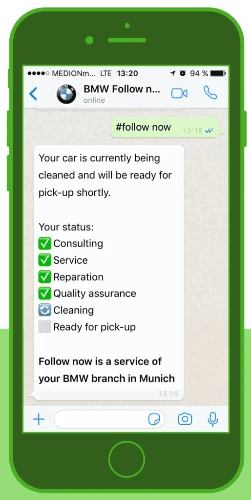
To combat the massive inflow of service requests when summers and winters are approaching, BMW launched its “Follow Now” chatbot on WhatsApp to help customers book an appointment from the convenience of their home from an app they use every day.
The bot offers real-time updates on the service status of their car and intimates them when their cars are ready for pickup. Moreover, service assistants can intervene and answer certain queries if the bot isn’t able to answer those.
4. Clear’s Cera chatbot for Facebook Messenger

Clear is Unilever’s leading anti-dandruff shampoo brand. The company’s chatbot Cera, available for the Indonesian market on Facebook Messenger, acts as your go-to hair care assistant offering personalized hair diagnosis, advice, and product recommendations for dandruff, dry hair, oily hair, etc.
The bot proactively sends relevant articles to the users after analyzing their behavior, preferences, and needs and delivers answers to a range of frequently asked questions related to hair care.
5. Roma by Rochi’s chatbot for Instagram
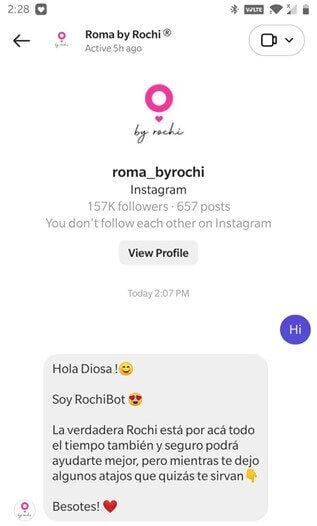
Roma by Rochi is a popular fashion brand in Argentina that revolves around encouraging women to embrace their sense of style.
Though quite popular on Instagram from likes, comments, and story mentions, recently, the brand launched a digital assistant on the social media platform to assist with a “tag and like” giveaway.
Post the deployment of the bot; the brand experienced an astounding 82% increase in reach in one week and a whopping 741% rise in engagement.
The brand also has a Facebook Messenger bot, which they use to answer queries, upsell products, and notify customers when sales begin.
We, at Acuvate, can help clients across industries build engaging conversational commerce experiences in various social channels using our enterprise bot-building platform called BotCore. To know more, please feel free to schedule a personalized consultation with our AI experts.
Conversational Commerce in various social channels | Acuvate (botcore.ai)
Conversational Commerce in various Social Channels was originally published in Chatbots Life on Medium, where people are continuing the conversation by highlighting and responding to this story.