 |
I made this, it discusses everything from generative Al to Artificial general intelligence and the singularity. I touch on everything from alignment and existential risk, to the most societally impactful iobs it will automate. Video took me like a month to make so l’d appreciate it if everyone would check it out. submitted by /u/nickg52200 |
Category: Chat
-
How AI will Utterly Transform Society: A New Era of Intelligence
-
What are the Expected AI Innovations in 2022?
“DensiPaper presents an insightful article titled ‘What Are the Expected AI Innovations in 2022?’ Delve into the future of artificial intelligence as the article forecasts groundbreaking advancements set to shape the year ahead. From cutting-edge technologies to emerging trends, the piece offers a comprehensive overview of the potential AI landscape in 2022. Whether you’re an industry enthusiast, tech aficionado, or simply curious about the latest developments, this article provides a glimpse into the exciting possibilities that AI has in store.”
submitted by /u/toliverroger
[link] [comments] -
BotPress/Zapier AI chatbot
In the quest to make better chatbots, we made an AI chatbot that outperforms BotPress’s chatbot internal help chatbot. We find it super useful and we use it as a constant tool when making bots on BotPress. Here’s a loom of it answering questions side by side with BotPress.
https://www.loom.com/share/b180bc956921444f91c12b2b2a47112a?sid=53988152-babe-4d64-b45e-e4031cf4ba12
We are open to selling it, but haven’t determined a price.
submitted by /u/Outrageous_Sale9392
[link] [comments] -
The Future of Education: AI Tutors vs. Human Tutors
As we dive deeper into our digital age, new technologies are sprouting up in every corner, and education is not left out of this tech boom. Two superheroes in today’s learning world – AI tutors and human tutors – are taking centre stage, all with a shared goal: to make learning better! In this article, we’re taking a closer look at these two mighty tutors, how they work and what we can expect from tutoring in the future.

-
Typebot + Chatbase (chat-gpt ) combo
What is the use case?
By utilizing this powerful combination, you have the ability to create a demo for your potential prospect.
In just a matter of seconds, they can create a fully functional virtual assistant tailored specifically to their business needs.
This will allow you to effectively showcase the value of your solution and potentially engage in further discussions regarding the acquisition of your comprehensive offering.
Let me know what you think.https://reddit.com/link/15s6qdn/video/s6hzsl50lcib1/player
submitted by /u/DOGEZED
[link] [comments] -
How to run LLaMA-13B or OpenChat-8192 on a Single GPU — Pragnakalp Techlabs: AI, NLP, Chatbot…
How to run LLaMA-13B or OpenChat-8192 on a Single GPU — Pragnakalp Techlabs: AI, NLP, Chatbot, Python Development
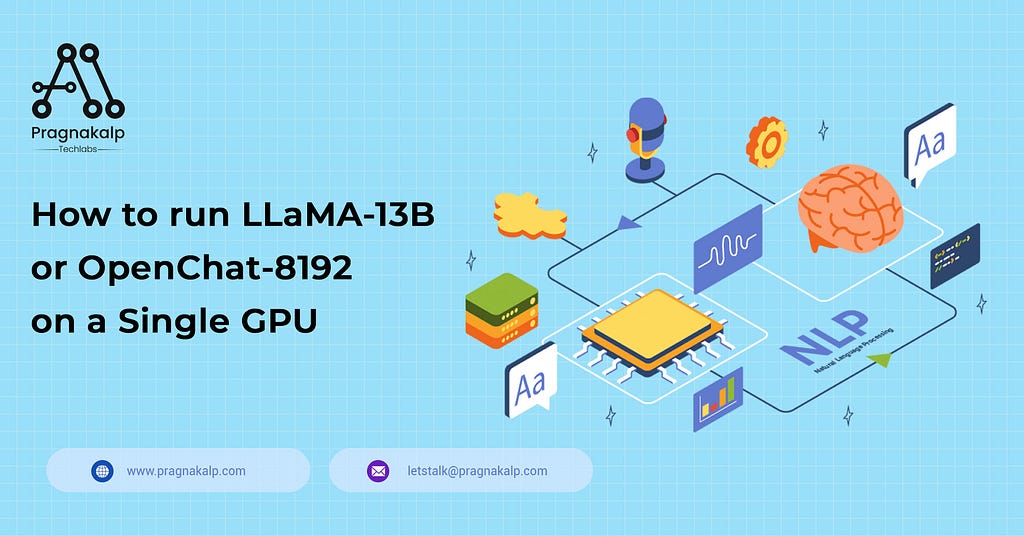
Recently, numerous open-source large language models (LLMs) have been launched. These powerful models hold great potential for a wide range of applications. However, one major challenge that arises is the limitation of resources when it comes to testing these models. While platforms like Google Colab Pro offer the ability to test up to 7B models, what options do we have when we wish to experiment with even larger models, such as 13B?
In this blog post, we will see how can we run Llama 13b and openchat 13b models on a single GPU. Here we are using Google Colab Pro’s GPU which is T4 with 25 GB of system RAM. Let’s check how to run it step by step.
Step 1:
Install the requirements, you need to install the accelerate and transformers from the source and make sure you have installed the latest version of bitsandbytes library (0.39.0).
!pip install -q -U bitsandbytes !pip install -q -U git+https://github.com/huggingface/transformers.git !pip install -q -U git+https://github.com/huggingface/peft.git !pip install -q -U git+https://github.com/huggingface/accelerate.git !pip install sentencepiec
Step 2:
We are using the quantization technique in our approach, employing the BitsAndBytes functionality from the transformers library. This technique allows us to perform quantization using various 4-bit variants, such as NF4 (normalized float 4, which is the default) or pure FP4 quantization. With 4-bit bitsandbytes, weights are stored in 4 bits, while the computation can still occur in 16 or 32 bits. Different combinations, including float16, bfloat16, and float32, can be chosen for computation.
To enhance the efficiency of matrix multiplication and training, we recommend utilizing a 16-bit compute dtype, with the default being torch.float32. The recent introduction of the BitsAndBytesConfig in transformers provides the flexibility to modify these parameters according to specific requirements.
import torch from transformers import BitsAndBytesConfig from transformers import AutoModelForCausalLM, AutoTokenizer quantization_config = BitsAndBytesConfig( load_in_4bit=True, bnb_4bit_compute_dtype=torch.bfloat16 )
Step 3:
Once we have added the configuration, now in this step we will load the tokenizer and the model, Here we are using Openchat model, you can use any 13b model available on HuggingFace Model.
If you want to use Llama 13 model, then just change the model-id to “openlm-research/open_llama_13b” and again run the steps below
model_id = "openchat/openchat_8192" tokenizer = AutoTokenizer.from_pretrained(model_id) model_bf16 = AutoModelForCausalLM.from_pretrained(model_id, quantization_config=quantization_config)
Step 4:
Once we have loaded the model, it is time to test it. You can provide any input of your choice, and also increase the “max_new_tokens” parameter to the number of tokens you would like to generate.
text = "Q: What is the largest animal?nA:" device = "cuda:0" inputs = tokenizer(text, return_tensors="pt").to(device) outputs = model_bf16.generate(**inputs, max_new_tokens=35) print(tokenizer.decode(outputs[0], skip_special_tokens=True))
Output:

You can use any 13b model using this quantization technique using a single GPU or Google Colab Pro.
Originally published at How To Run LLaMA-13B Or OpenChat-8192 On A Single GPU on July 14, 2023.
How to run LLaMA-13B or OpenChat-8192 on a Single GPU — Pragnakalp Techlabs: AI, NLP, Chatbot… was originally published in Chatbots Life on Medium, where people are continuing the conversation by highlighting and responding to this story.
-
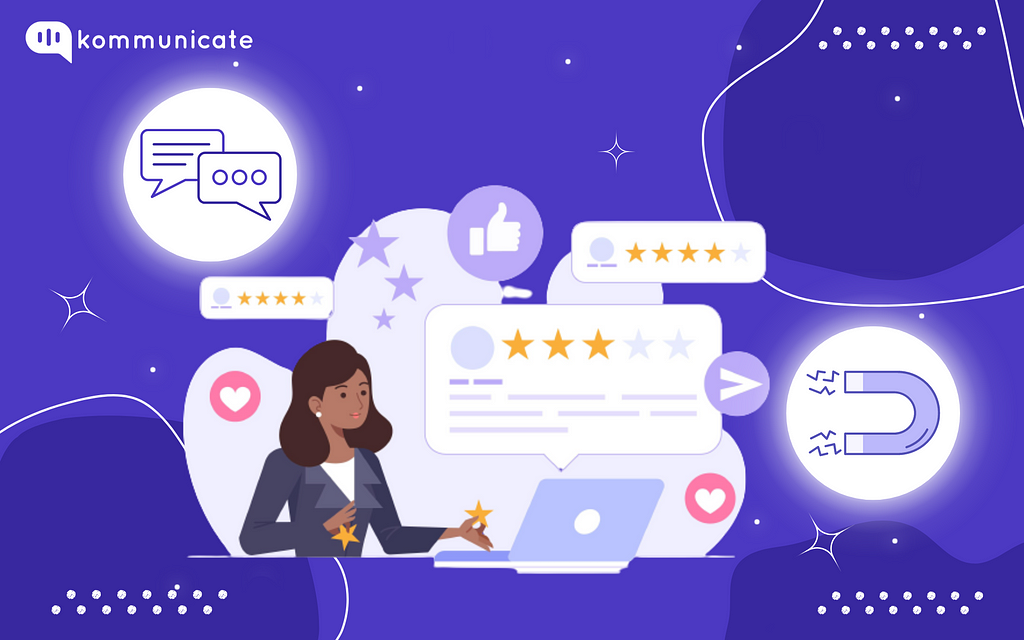
Chatbot Strategy: Increasing Customer Engagement Through Messages
Last Updated on December 27, 2022
We have not, thankfully, seen any of the nightmare scenarios envisaged by science fiction. But the reality is that we now rely on many AI-powered (artificial intelligence) systems. In fact, some estimates state that 76% of companies are now using some form of automation to make their business operate more efficiently.
For any business with a busy website, there is one great strategy for automating some processes and increasing customer engagement — chatbots. But what benefits can they offer your business, and how does a chatbot strategy help increase your customer engagement levels?
Why chatbots can help increase engagement rates
Engagement rates, both on your website and across any social media platforms you utilize, really do matter. Good engagement rates can lead to better sales and conversion rates, but also help your sales and marketing teams to plan future campaigns. They’re key to understanding what sort of content best works with your target audience. So, how can you use chatbots to help boost engagement?
1. Availability
Unlike human agents, chatbots work for you 24/7/365. They don’t need holidays or breaks and are available to answer customer queries (or to guide them through your site) at any time of day. Customers expect fairly quick responses; 12% expect a response to an email within 15 minutes or less. When you also offer channels such as live chat, it’s worth using chatbots as well as active human agents.
2. Multiple customers
While your human staff are limited in how many customers they can deal with at any one time, there is no such restriction on chatbots. This means your bots can cope with multiple queries and provide simple automated answers or, where needed, elevate the query to a human agent where the query is a more complex one.
3. Conversations
As we mentioned, people want quick responses, especially when it comes to basic info. Chatbots, depending on their complexity, can handle both simple and complicated conversations. That means your customers don’t have to wait on hold for hours just for a quick password reset, and they can even ask questions about their order status, tracking details, or your latest promotions.
Linked to your CRM, those answers can not only be quick but also more personal. The chatbot can ‘see’ all the previous interactions a customer may have had with your organization. This ensures that queries are dealt with faster and that customers can have a higher satisfaction level.
4. Data collectors
You already know how important data can be and, with a chatbot system, collecting a wide range of data becomes easier. It can be especially useful in improving your chatbot service as you can analyze data to see what aspects work well and which need adjustment. Plus, data is automatically stored rather than requiring a write-up, unlike calls with agents.
5. Personalization
71% of customers expect a degree of personalization to their interactions with you. With your chatbots linked to your CRM (customer relationship management) system, you can give your customers the personalization they want. They can use a customer’s name, link to previous interactions, and generally provide a more intensive experience overall.
Imagine a customer comes to you for tracking information on their order. As they’ve inputted their email when joining the live chat, the chatbot can pull order details from your CRM — saving the customer from typing up all the information that you already have.
6. Language barriers
If you are operating in the global marketplace, language barriers are an inevitability. To cover the languages you may encounter with human agents can be a costly exercise, and business expenses are something you want to minimize where possible. However, with chatbots, they can be programmed with the relevant languages so that they can deal efficiently with customer queries.
Your chatbot can identify a language or even provide the customer with a range of options. Of course, this will incur initial costs when setting your chatbot system up, but ongoing costs are negligible, thus making it an extremely cost-effective solution.
7. Anywhere, anytime
You well know the challenges of moving to an omnichannel approach. Your business may well have implemented tools such as VoIP meaning you have more flexibility. You want to provide a painless customer experience and that means using channels that your customers are comfortable with.
Being able to deploy chatbots across all your channels, from Facebook and Messenger to your website or WhatsApp means you will boost engagement rates because people are able to connect with you on their chosen channel and get answers to questions (or pertinent info) faster than they did before.
8. They’re not human
This may sound a little strange but think about how many times you have spoken to a human agent and left the call feeling a little aggrieved at their attitude. Even the best of us have days where we feel ill, or under a lot of stress! Chatbots are not subject to stress or ailments so you know they will always deliver as good an experience as possible.
The takeaway
You are probably always looking for ways to cut your costs, and that can cover anything from free contract management software to implementing automating where possible. Of course, you don’t want any cost saving to have a negative impact on things such as engagement or conversion rates and chatbots offer you a cheap but effective solution.
There are different levels of chatbots that can meet almost any business needs. You can use the simpler ones (rules-based chatbots) for simpler tasks on your website such as suggesting products based on a customer’s search history. More complicated ones ( AI chatbots) can carry out more complex tasks thanks to their use of ML (machine learning) and NLP (natural language processing).
Chatbots are a great way to improve the customer journey and to boost engagement rate. It also means that your human agents can focus on more complex issues and queries, and that they are available if your chatbot can’t deal with a particular question. With the use of automation increasing every year, it’s time to get on the chatbot train.
At Kommunicate, we are envisioning a world-beating customer support solution to empower the new era of customer support. We would love to have you on board to have a first-hand experience of Kommunicate. You can signup here and start delighting your customers right away.
Originally published at https://www.kommunicate.io on November 29, 2022.
Chatbot Strategy: Increasing Customer Engagement Through Messages was originally published in Chatbots Life on Medium, where people are continuing the conversation by highlighting and responding to this story.
-
Enhance Customer Experience with AGII’s Custom Chatbots! Create Personalized Interactions Today. 🙌🚀
Are you looking for a way to make your customers feel special and valued?
AGII’s Custom Chatbots are the answer for you! 🙌 With AGII’s Custom Chatbots, you can create chatbots with custom avatars that can chat and assist your customers. No more dull and generic chats, only tailored and relevant solutions🎯
AGII’s Custom Chatbots are simple to create and use. You can select from a range of avatars, voices, and languages to match your brand and audience. You can also train your chatbots to deal with different situations, questions, and tasks with AGII’s powerful AI engine.
With AGII’s Custom Chatbots, you can improve your customer satisfaction, loyalty, and retention. You can also boost your sales, conversions, and revenue. You can even save time, money, and resources by automating your customer service.
Don’t delay any longer to offer your customers the best experience possible. Try AGII’s Custom Chatbots today and see the difference for yourself.
Just visit and sign up for a free trial. This offer is only for a limited time, so hurry up! 🚀
submitted by /u/Rangekida999
[link] [comments] -
Dialogflow cx version transfer to the trial version – what happens?
I recently signed up to a free trial on dialogflow cx version. The sign up automatically defaulted me to that option. My goal is to set up a chatbot using their free trial version so I can do a proof of concept prior to investing a lot of money into the project. If I develop the chatbot using the CX version will I be able to transfer it to the free trial version. Do I need to use the essentials version for the development? I’m assuming I’ll be able to choose which version I want after the free trial ends, correct? I appreciate anybody’s feedback to help me clarify this . Thank you
submitted by /u/mlplus
[link] [comments]
![[link]](https://i.redd.it/hwjp78j99aib1.jpg)